Automation Can't Fix Everything: When Your Smart AC Needs a Pro
Smart home technology has changed the way we live. We can turn off lights from our phones, watch our front door from across the world, and tell a speaker to play our favorite song. Heating and cooling have joined the party too. A smart thermostat can learn your daily routine, cool your home before you walk in the door, and even send you a friendly alert when something seems off.
It all feels like magic. And for the most part, it works beautifully.
But here is the truth that every smart homeowner learns sooner or later: automation can't fix everything. Your smart thermostat is a clever brain, but your air conditioner is still a machine made of motors, coils, fans, and refrigerants. When the hardware breaks, no app, no schedule, and no voice command can repair it. At that point, you need a real person with real tools.
This article is for the smart home lover who wants to understand where automation ends and where a trained technician begins. We'll look at what your smart AC setup can do, the warning signs you should never ignore, and how to know when it's time to stop tapping your phone and pick it up to call a pro.
What Your Smart AC Setup Can Actually Do
Let's give credit where it's due. A modern smart cooling setup is impressive, and it does a lot of useful work behind the scenes.
A smart thermostat learns your habits. It notices when you wake up, when you leave for work, and when you come home. Over time, it builds a schedule that keeps you comfortable while saving energy. Many models adjust themselves based on the weather outside, so your home stays steady even on a heatwave afternoon.
It also gives you control from anywhere. Forgot to lower the temperature before a trip? Open the app and fix it in seconds. Want the house cool before you arrive? Tap a button while you're still on the road.
Some setups go even further. They connect with sensors around your home, work with voice assistants, and tie into your wider smart home system. A few can even spot patterns that hint at a problem. For example, if your system runs much longer than usual to reach the set temperature, a smart thermostat may flag it. That early warning is genuinely helpful.
So yes, automation is powerful. It manages comfort, saves money, and keeps an eye on performance. But notice what all of these tasks have in common. They are about control and information. Not one of them involves fixing a broken part. And that is the line we need to talk about.
Where Automation Hits Its Limit
Your smart thermostat is a controller. Think of it like the steering wheel and dashboard of a car. It tells the system what to do and shows you what is happening. But the steering wheel cannot replace a flat tire or fix a dead engine. For that, you need a mechanic.
Your air conditioner works the same way. The thermostat sends the signal, but the real cooling work happens in the hardware: the compressor, the condenser coil, the evaporator coil, the blower motor, and the refrigerant that flows between them. These parts wear out. They get dirty. They leak. They fail. And when they do, software simply cannot reach in and repair them.
Here is a simple way to picture it. If your AC stops cooling your smart thermostat might tell you, "The room is not reaching the target temperature." That is useful. But it cannot tell the compressor to start working again if the compressor has burned out. It cannot reseal a refrigerant leak. It cannot replace a cracked part or clean a clogged drain line. The app can describe the problem, but it cannot solve a physical one.
This is the key idea of the whole article. Automation gives you awareness. A technician gives you repair. Both matter, and they work best together.
Warning Signs Your Smart AC Needs a Real Technician
Because your smart setup is so good at watching for trouble, it often gives you the first hint that something is wrong. The smart move is to know what those hints mean and when they call for a professional. Here are the most common signs.
Your AC runs but the air is warm. If your system turns on, the fan blows, but the air coming out is not cold, something inside has failed. This often points to low refrigerant, a frozen coil, or a compressor problem. None of these are things you can fix from an app.
The system has short cycles. Short cycling means your AC turns on and off again and again in quick bursts. Your smart thermostat may show this as strange, choppy run times. Short cycling wastes energy and wears out parts fast. It usually means a deeper issue with the unit.
Your home never reaches the set temperature. You set the thermostat to a comfortable level, but the house stays warm no matter how long the system runs. Your app may show the unit running for hours without success. That is a clear sign the hardware is struggling.
Strange noises. Grinding, banging, buzzing, or screeching sounds are never normal. These usually mean a part is loose, worn, or about to fail. A smart thermostat cannot hear these sounds, so this is one where your own ears matter most.
Water leaks or moisture around the unit. A clogged drain line or a frozen coil can cause water to pool. Left alone, this can lead to mold and water damage.
Weak airflow. If the air coming from your vents feels soft and slow, you may have a blower motor problem or a blocked system. Your home will feel stuffy even while the AC runs.
A sudden jump in your energy bills. If your smart energy reports show cooling costs climbing for no clear reason, your system may be working too hard because a part is failing.
When you notice any of these, the smart thermostat has done its job. It raised the flag. Now the next step belongs to a human.
Why a Smart Thermostat Can't Replace a Service Visit
Some people hope that a smart device can save them from ever calling for help. It is an understandable wish. But it helps to understand why a service visit is so different from anything an app can do.
A trained technician brings tools that measure things your thermostat cannot see. They check refrigerant pressure, test electrical parts, measure airflow, and inspect the inside of the unit. They can spot a worn part before it fails completely. They clean coils, clear blocked drains, tighten loose connections, and replace parts that are past their life.
Most importantly, they can keep you safe. Air conditioners use high voltage electricity and pressurized refrigerant. These are not things to experiment with on your own. A professional knows how to handle them correctly.
So while your smart setup is great at telling you that something is wrong, only a technician can find the exact cause and fix it properly. The two roles do not compete. They complete each other.
Common AC Problems That Automation Simply Cannot Solve
Let's look at a few real examples that show the limit of automation clearly.
Refrigerant leaks. Refrigerant is the fluid that makes cooling possible. If it leaks, your AC cannot cool well, no matter how perfect your thermostat schedule is. Finding and sealing a leak, then refilling the system, is a job for a licensed pro.
A failed compressor. The compressor is the heart of your air conditioner. When it dies, the whole system stops cooling. No software update can bring it back. It needs hands-on repair or replacement.
Frozen or dirty coils. Over time, coils collect dirt or freeze over. This blocks proper cooling. A technician cleans or thaws them and finds out why it happened.
Electrical faults. Worn wires, bad capacitors, or failing relays can stop your system or make it behave strangely. These need careful testing and repair.
Clogged drain lines. The water your AC removes from the air has to go somewhere. When the drain clogs, you get leaks and humidity. Clearing it correctly takes the right tools.
In every one of these cases, your smart home can notice the symptom. But the cure is always physical.
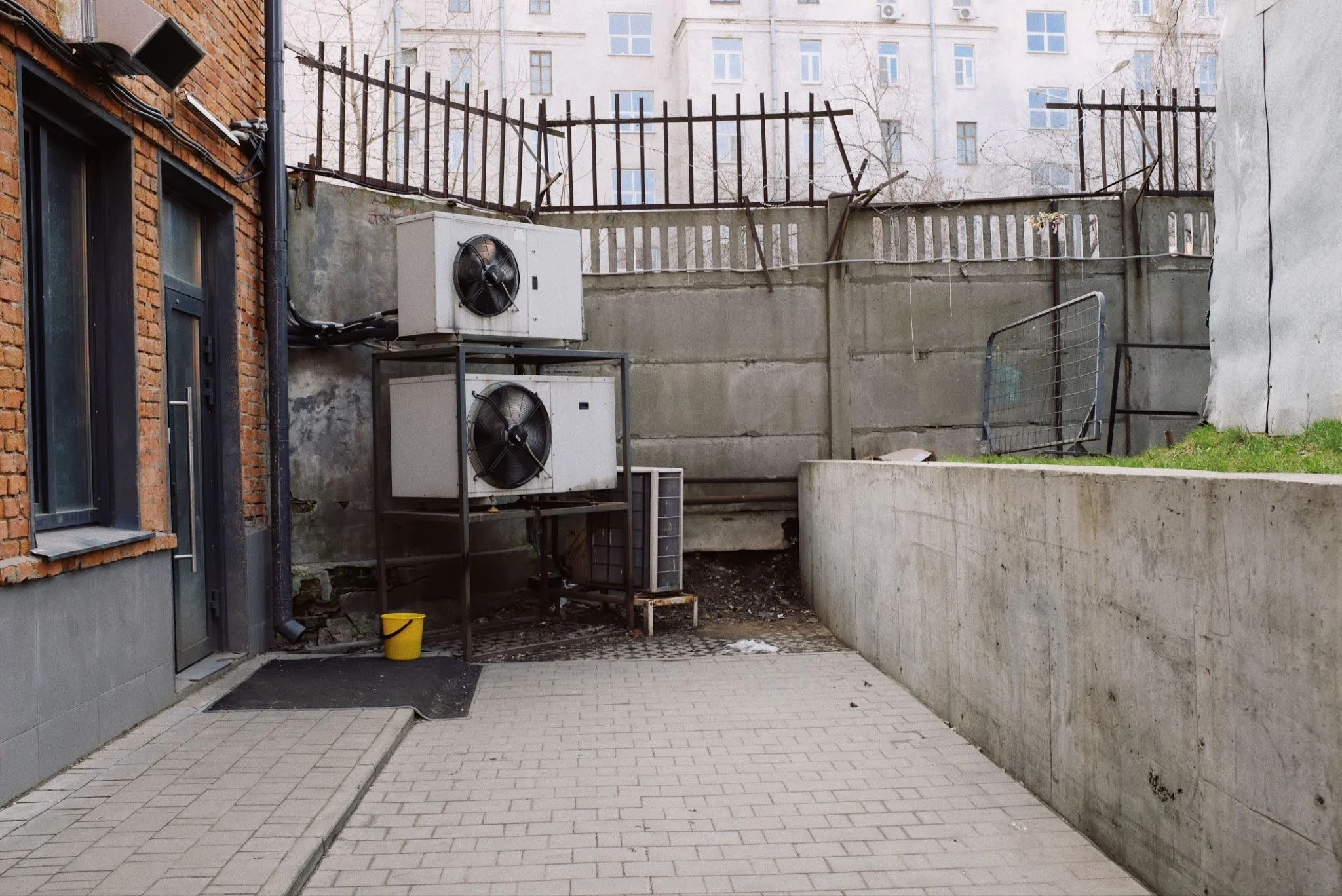
When to Call a Pro
So when exactly should you stop troubleshooting and reach out for help? The answer is simple. Once you have done the easy checks and the problem is still there, it is time.
The easy checks are the things any homeowner can safely do. Make sure the thermostat is set to cool and the temperature is set low enough. Check that your air filter is clean, because a dirty filter blocks airflow and causes many small issues. Look at your circuit breaker to be sure the system has power. Clear any leaves or debris from around the outdoor unit so it can breathe.
If you have done all of that and your AC still blows warm air, still runs without cooling, makes odd noises, or leaks water, do not keep pushing it. Running a struggling AC can turn a small repair into a big, costly one. This is the moment to bring in trusted local AC repair services who can inspect the system, find the real cause, and fix it the right way. A quick professional visit now can save you from a far larger bill later, and it gets your home cool and comfortable again much faster.
Calling a pro is not a failure of your smart home. It is part of owning one. The smartest homeowners are the ones who use automation to catch problems early and a technician to solve them properly.
How to Choose a Good AC Repair Service
Once you decide to call for help a little care in choosing the right company makes a big difference. Here are simple things to look for.
Check that the company is licensed and insured. This protects you and shows they meet professional standards. Read recent reviews from real customers to get a feel for their reliability and honesty. Ask whether they offer clear, upfront pricing so there are no surprises on the bill.
It also helps to choose a service that responds quickly, especially during hot weather when a broken AC is more than just an annoyance. A good technician will explain what is wrong in plain language, show you the problem, and give you honest options rather than pushing you toward the most expensive fix.
A trustworthy repair service treats your home with respect and your time as valuable. When you find one like that, keep their number saved. You will be glad you did the next time your smart thermostat raises a flag.
Keep Your Smart AC Healthy Year Round
The best way to avoid emergency repairs is regular care, and here your smart home really shines as a partner. Use your thermostat's energy reports to watch for slow changes in performance. Replace your air filter on a regular schedule, and let your smart system remind you when it is due. Keep the outdoor unit clear and clean.
On top of that, book a professional tune up once a year, ideally before the hottest months arrive. During this visit, a technician checks the parts your app cannot see, cleans the system, and catches small problems before they grow. Pairing smart monitoring with yearly professional care is the winning combination. Your automation watches every day, and your technician gives the system a deep, expert check once a year.
Final Thoughts
Smart home technology is wonderful, and a smart AC setup brings real comfort, control, and savings to your daily life. It can learn your habits, cool your home on command, and warn you the moment something feels off. That is a lot of value from a small device on your wall.
But it is important to remember where the magic ends. Automation manages and monitors. It cannot reach inside the machine and repair a broken part. When your air conditioner has a real hardware problem, the smartest tool in your home is the phone you use to call a trained professional.
So enjoy your automation. Let it do the watching, the scheduling, and the saving. And when it tells you something is wrong that an app cannot fix, trust that signal and bring in a pro. Because the truly smart home is not the one that tries to do everything alone. It is the one that knows exactly when to call for help.