The “Invisible” Threat: How to Audit Your Smart Home Devices for Privacy Leaks
What smart homes promise is comfort, automation, and control. What they quietly set up is a dense network of microphones, cameras, sensors, and cloud connections within private living spaces. Smart TVs track viewing habits, voice assistants process conversations, and robot vacuums map floor plans, while doorbells record daily routines. Most of this data never stays inside the home, even for the best smart home system. It travels through apps, servers, and third-party services often without clear visibility for the user.
As people add more connected locks and smart home gadgets, the number of entry points, data streams, and participating companies increases. Smart home privacy audits are not a technical add-on; they are a basic digital hygiene step to uncover silent data collection, outdated firmware, and unnecessary permissions.
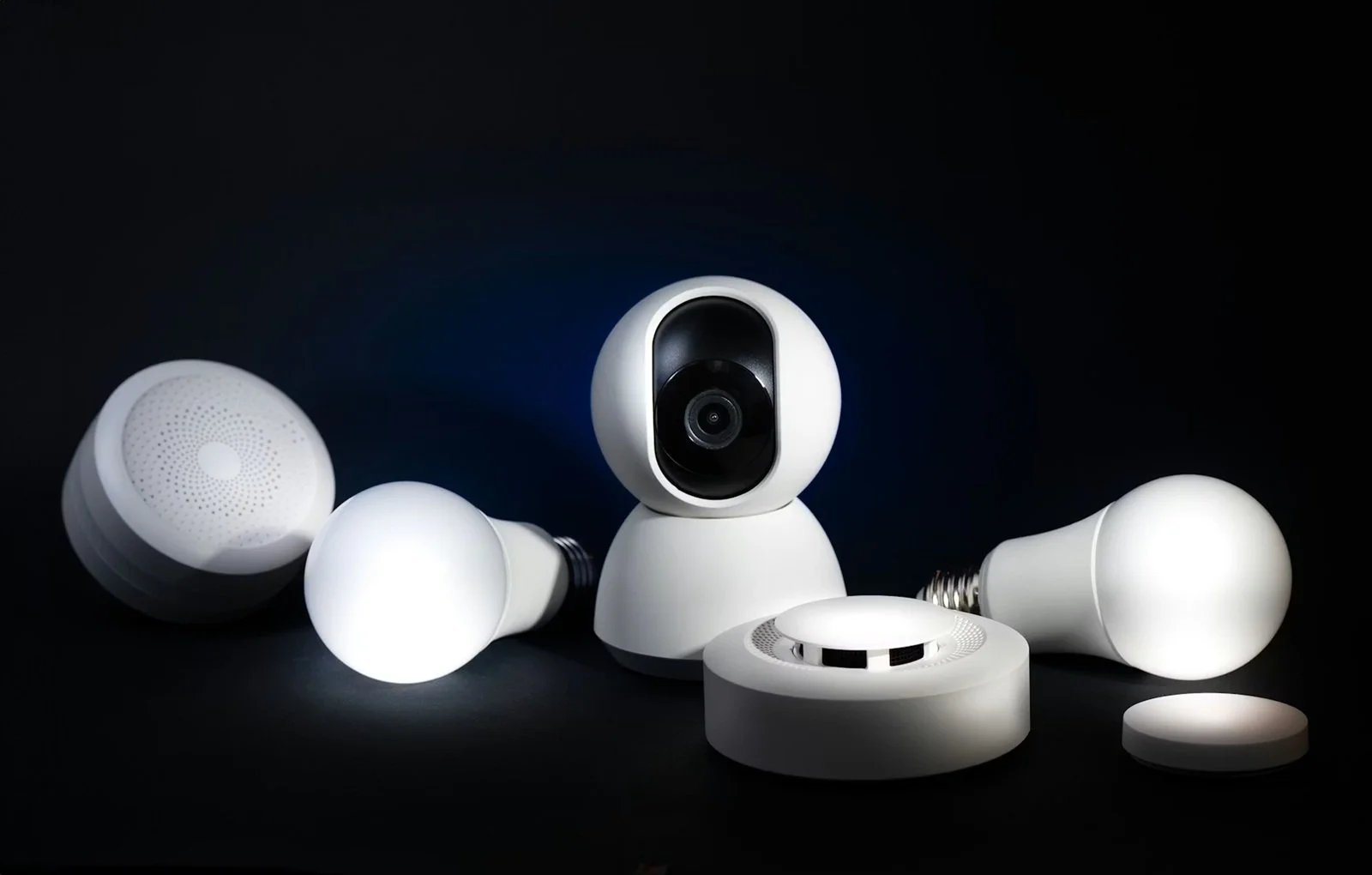
The Most Common Ways Smart Home Devices Leak Data
Most people never experience a single dramatic moment of total smart-home privacy risk. It accumulates through everyday use, silent settings, and constantly active connections. Understanding how data gets out is the first step in keeping it from getting out. Here are some technical and behavioral paths that turn smart home accessories into sources of exposure.
Always-on microphones, cameras, and sensors
If these devices cannot be fully disabled, even in their idle state they will pick up ambient signals to detect wake words, faces, and movement patterns, and continuously collect behavioral records that will eventually reveal sleeping cycles, routines, room usage, and presence-detection information. If this stream is accessed or misrouted, it becomes a detailed map of private life.
Weak default settings and over-permissioned apps
Most smart home applications are launched with overly broad access permissions. Even after setup, some leave the microphone, camera, contact lists, exact location, and local network scan active. Over-permissioned apps expose data far beyond what device functions actually require. This makes simple controls turn into constant points of cross-platform data collection.
Cloud dependence and third-party data sharing
In smart homes that do not provide local control, commands given to smart devices are processed on external servers. Recordings are stored there, and automations are managed from those locations. Data is transferred between manufacturers, analytics companies, voice platforms, and integration partners. With every transfer, another copy is made, creating yet another access path with yet another privacy policy over personal activity inside the home.
Why Smart Home Privacy Audits Matter More Than You Think
Very few smart home privacy leaks begin with a hacked thermostat. Most of them start on personal devices that control the home. Laptops and phones store login sessions, device permissions, floor plans, and live camera access. If the dashboard app or a synced computer is compromised, attackers can pivot into the home ecosystem without touching the router. For more information, refer to Moonlock to learn about hidden malware and silent background threats, and how seemingly harmless devices are used as entry points for deeper data exposure. Understanding the fundamentals behind your home’s security, from attacks to maintaining safety, is fundamental.
Smart home devices do not work alone. They can rely on applications, cloud accounts, browsers, and local computers. If private devices are excluded from the privacy audit, a central blind spot is created. Malware on a laptop can intercept credentials, monitor device feeds, or modify automation rules. The entire chain of control needs to be reviewed for auditing smart-home privacy, from wall-mounted devices to handheld screens.
What to Audit First in a Smart Home Privacy Check
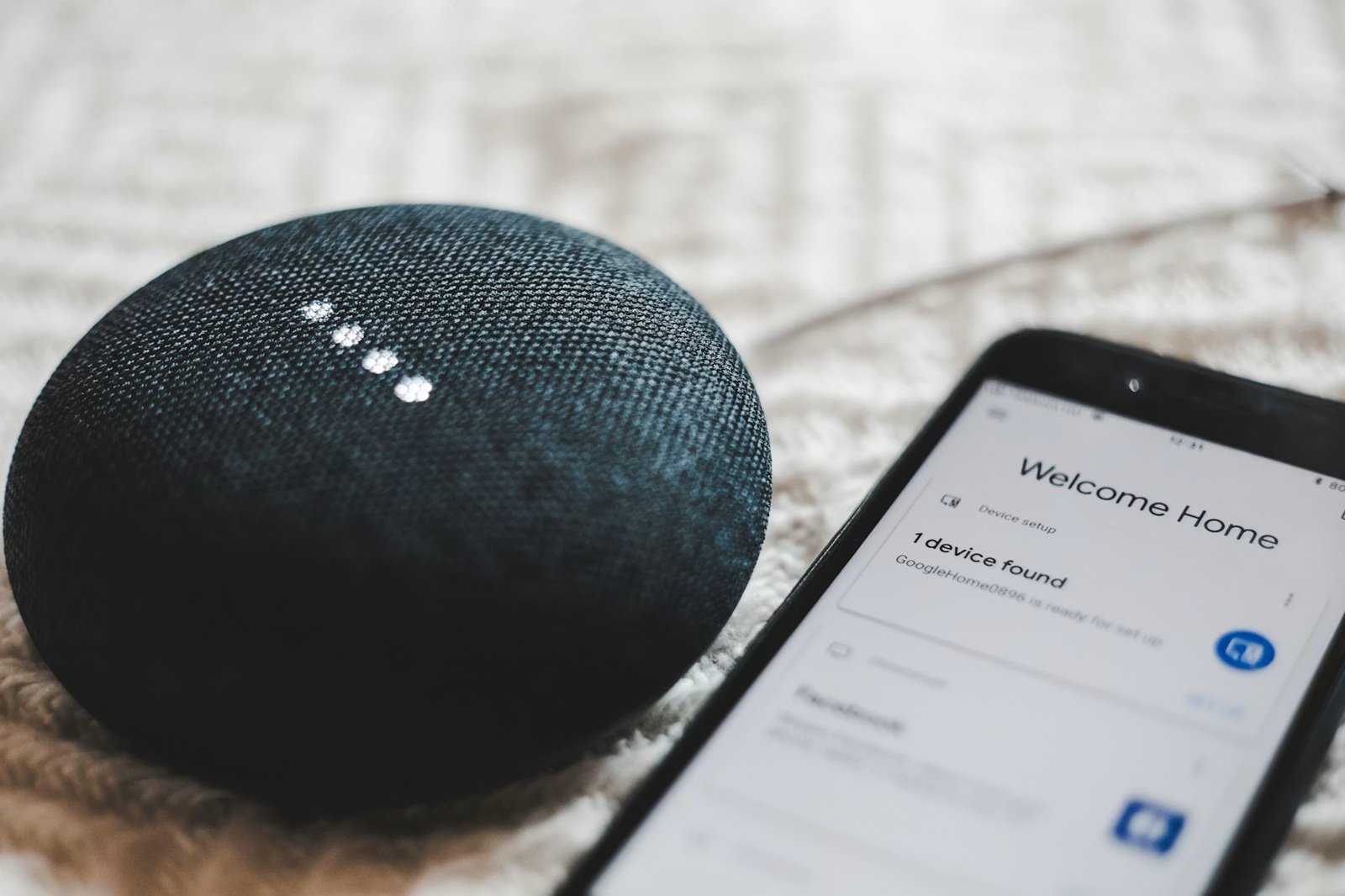
If you are a follower of smart home technology trends and keep stacking up devices, the privacy risk grows in subtle ways: more apps, additional cloud accounts, and firmware to maintain. A good audit always starts from the control layer and then moves down to devices and integrations. Here is what to focus on:
Inventory Every Connected Device
Make a list of every device that connects via Wi-Fi, Bluetooth, Thread, Zigbee, or Ethernet.
List the exact model name and the app used to control it for each.
Include “invisible” endpoints, like bridges, mesh nodes, and range extenders.
Flag even the best home gadgets that are always-on for a deeper review.
Review Device Permissions and App Access
On your phone, run through each smart home app.
Remove permissions that are not required for daily life.
In the device apps, turn off data collection, ad personalization, and “improve services” sharing when you can.
Check again after updates, as they can creep over time, especially after smart home improvements.
Inspect Account Connections and Integrations
Check which accounts are in control, like Google logins, vendor accounts, and family sharing.
Delete unused integrations, such as voice assistants, automation services, and third-party links.
Turn on MFA on vendor accounts wherever available.
How to Perform a Practical Privacy Audit (Step-by-Step)
A privacy audit for home automation technology is not a one-time checklist activity. Structured audits are recommended, so mapping the network and analyzing traffic are emphasized by security agencies as core practices in protecting connected homes.
Step 1: Map Your Home Network
Access your router dashboard and list every endpoint.
List your best smart home devices, including speakers, lights, television sets, and hubs.
Identify any unknown devices that could be hidden endpoints or legacy devices.
Refer to guidance from network security agencies for auditing connected devices.
Step 2: Lock Down Device Settings
Turn off features you are not using, like remote access and voice activation.
Limit data collection inside the device app or panel.
Do not allow automatic sync with cloud services unless vital for the working of the device.
This ensures all unnecessary telemetry that flows to manufacturers as analytics from your cool gadgets is removed.
Step 3: Segment Your Network
Create an IoT network that is separated from personal devices.
Use a guest SSID or VLAN to isolate.
Consider implementing more network segmentation to better control data movement.
Step 4: Monitor Traffic and Behavior
Check the router traffic logs or apply third-party tools to find any unusual data flows, buckets of uploads, or foreign IP addresses.
Check for endpoints that are continuously transmitting or connected to servers.
Routines for monitoring can reveal many compromises in your smart house technology system.
Step 5: Remove or Replace High-Risk Devices
Determine if the device is worth more than the privacy cost.
Retire devices that do not get regular firmware updates or have known security gaps.
Prioritize replacement for items that have deep sensor access or integrate broadly with other home systems.
Conclusion
In most cases, there is no obvious failure of the smart home. Subtle privacy losses are occurring through always-on sensors, forgotten permissions, outdated firmware, and invisible data flows. A structured audit makes an invisible risk clear. Households can make an explicit decision about how information flows beyond their walls by re-inventorying devices, tightening settings, taking networks apart, and monitoring behavior.
As automation becomes a part of daily life, security habits must evolve with convenience. The aim is not to kill innovation but to make privacy a foundational principle. When audits become routine, smart home must-haves must stop being passive observers and start working on your terms, not in the background of someone else’s data ecosystem.