
Planning a Whole-Home Ethernet Wiring Project
Whole-home Ethernet is easiest to get right before the walls close up, furniture arrives, or a new smart-home device suddenly needs a connection where none exists. The challenge isn't simply running cable from one room to another. You need to think about where devices will live, how every run returns to the network, and what the house may need several years from now.
A little planning up front can save you from awkward cable routes, unnecessary switches, and difficult retrofits later.
Start With Devices And Locations
Before deciding how many boxes of cable to buy, map the devices that would benefit from a wired connection.
Desktop computers, televisions, game consoles, network-attached storage, and home-office equipment are obvious candidates. A smart home adds less obvious ones, including security cameras, Wi-Fi access points, doorbell equipment, automation hubs, and other devices that may support Ethernet or Power over Ethernet (PoE).
LinkdHOME's own home networking resources show how wired hardware, Wi-Fi, network segmentation, and smart-home devices increasingly work as parts of the same system. Planning your cabling around that wider network is more useful than simply putting one Ethernet jack in every bedroom.
Think about placement as well as quantity. An access point might need a ceiling connection rather than a wall outlet. A camera may need cable near an eave. A home office could justify two or more ports so a computer, dock, phone, or other equipment doesn't depend on a small desktop switch.
Design Around A Central Network Location
Most residential structured cabling works best with individual cable runs returning to one central location. This is commonly called a home-run or star layout.
Your central point needs enough space for patch panels, switches, a router or firewall, and potentially equipment such as a network-attached storage device or smart-home controller. It should also have suitable power, ventilation, and reasonable access for future maintenance.
Don't choose the location simply because there's an empty cupboard. Consider where the internet service enters the property, how easily cables can reach upper floors or distant rooms, and whether the space can accommodate additional equipment later.
For a small retrofit involving a few accessible runs, a capable homeowner may be comfortable handling much of the work. Larger projects become more complicated once cables must pass through finished walls, multiple floors, difficult roof spaces, or areas with other building services. At that point, discussing the plan with a network cabling contractor before walls are opened can help identify routing and termination issues that aren't obvious from a floor plan.
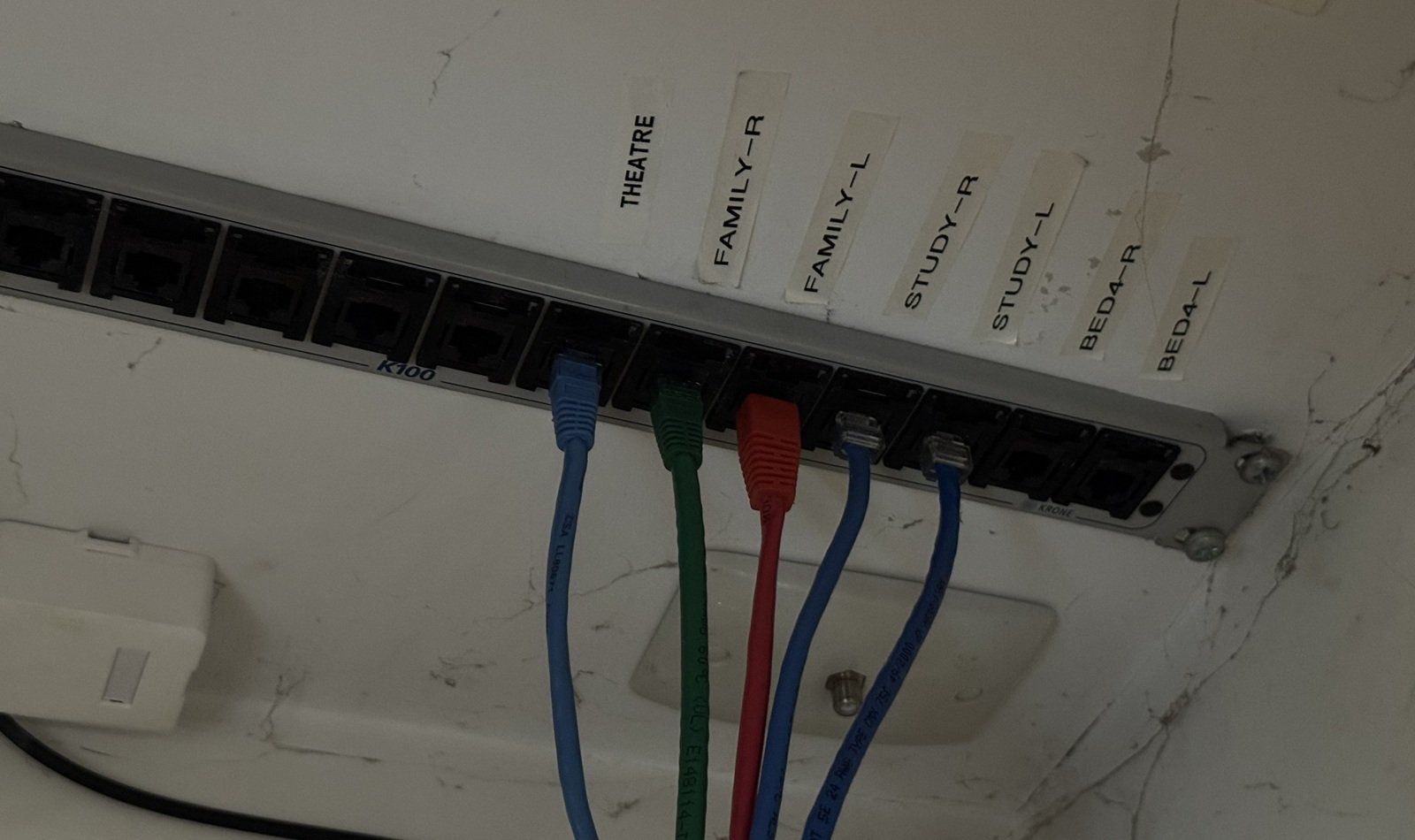
A patch panel provides a manageable central connection point for cable runs
Choose The Right Cable
It's tempting to assume that buying the highest cable category available automatically produces a better network. The more useful question is what performance you need, over what distance, and how practical the cable will be to install.
Cat 6 is a sensible option for many residential projects. It supports Gigabit Ethernet over typical residential distances and can support faster connections under appropriate conditions. Cat 6A becomes more attractive when you're deliberately planning for 10 Gigabit Ethernet over longer runs, although its greater diameter and stiffness can make routing and termination less convenient.
Length matters too. Structured Ethernet isn't intended for unlimited cable runs.Fluke Networks' residential cabling specification identifies a maximum 90-metre permanent link and 100-metre channel, with the channel including patch cords. Most houses won't approach those limits, but large properties, detached buildings, and unusually indirect cable routes deserve closer attention.
Also avoid buying cable based solely on a category label printed on an inexpensive listing. The cable, connectors, patch panels, and installation quality all contribute to the finished link.
Plan For PoE And Wi-Fi At The Same Time
Wired Ethernet and Wi-Fi aren't competing choices in a modern home. Good Ethernet infrastructure can make the wireless network better.
Instead of placing a single Wi-Fi router wherever the internet connection happens to enter the house, Ethernet lets you position wired access points where they provide useful coverage. A multi-storey property, for example, may benefit more from carefully placed ceiling access points than from trying to push a stronger wireless signal from one corner of the ground floor.
PoE deserves similar consideration. Compatible switches can carry network data and electrical power over the same Ethernet run to devices such as access points and IP cameras. That can reduce the need for separate power outlets at difficult mounting locations.
Running two cables to a central location allows the Wi-Fi router to be placed more effectively, while also allowing connection to a PoE switch located in a more discrete cupboard.
Plan those endpoints before installation. Moving a cable from a normal wall-plate height to the ceiling after plasterboard is installed is considerably harder than marking the correct location at the start.
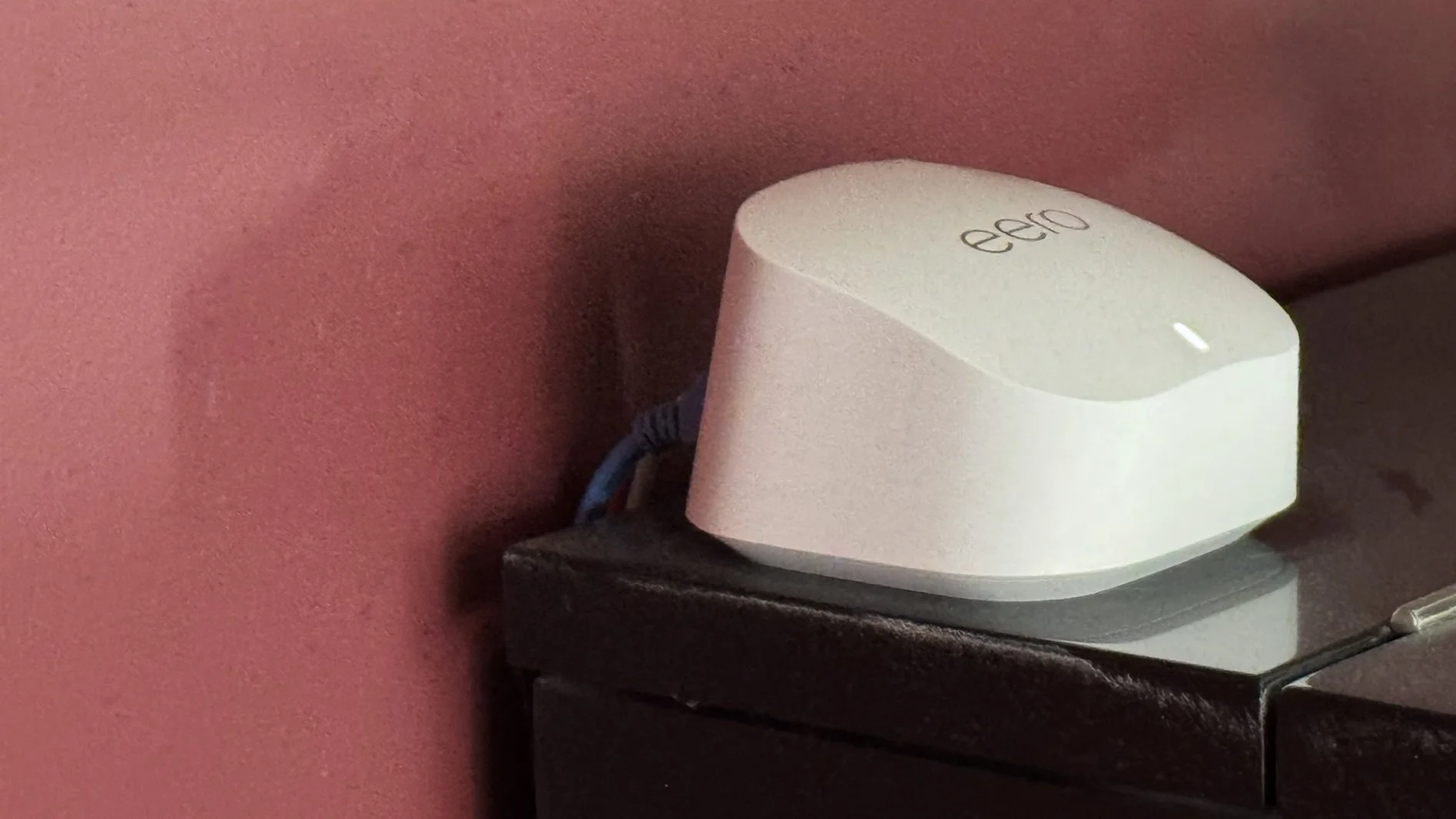
Ethernet run allows router to be placed in a central location
Leave Room For The Things You Haven't Bought Yet
The cheapest additional cable run is usually the one installed while the route is already accessible.
That doesn't mean every room needs a wall full of Ethernet sockets. Instead, look for locations where future expansion would otherwise be difficult. An unfinished attic route, media room, office, garage, security-camera position, or possible access-point location may justify a spare cable or conduit.
Label both ends of every run as you install it. Use a consistent system such as "Office-1," "Living-TV," or "AP-Upstairs" rather than relying on memory. When 15 nearly identical cables arrive at the same patch panel, good labeling turns troubleshooting into a quick task instead of a guessing exercise.
Testing is equally important. A cable can look perfectly terminated while still having a wiring fault. At minimum, verify each completed run before the work becomes difficult to access. For projects where guaranteed cabling performance matters, proper certification testing goes beyond a basic continuity check.
Build On Paper First
A successful whole-home Ethernet project starts with a floor plan, not a spool of cable. Decide which devices should be wired, where access points and cameras could go, where all the runs will terminate, and which locations may need capacity later.
The goal isn't to install the maximum possible amount of Ethernet. It's to create a cabling layout that makes your home network easier to expand, maintain, and adapt as your connected devices change.




The challenge isn't simply running cable from one room to another. You need to think about where devices will live, how every run returns to the network, and what the house may need several years from now.